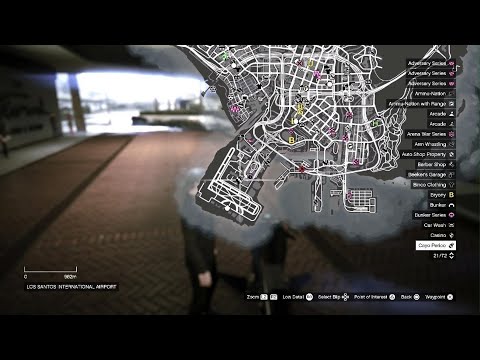
The Business Locations Map is an interactive map accessible via the in-game Interaction Menu or the Maze Bank Foreclosures website. It displays all properties you own, such as CEO offices, motorcycle club businesses, bunkers, hangars, facilities, nightclubs, arcades, and auto shops. Each business is marked with a colored icon indicating its current stock level or production status.
To access the map, open the Interaction Menu (hold M on PC, touchpad on consoles), go to 'Map Legend' or 'Businesses' (depending on update), and select 'View Businesses'. You can also see business locations when browsing the Maze Bank Foreclosures website. The map allows you to quickly see which businesses are ready for sale, which are being raided, or which need supplies.
This map is crucial for efficient money-making because it lets you plan supply and sell routes, check if businesses are idle, and avoid wasting time traveling to empty properties. For example, if your bunker is full, you can see its location and plan a sale route. Prices and payouts for businesses change with updates, so always check the in-game Maze Bank Foreclosures website for current costs and the 'Business' tab for sale values.
Note that the map does not show competitors' businesses or free-mode events; it is strictly for your owned properties. It is especially useful for managing multiple businesses simultaneously, as you can see all their statuses at a glance.